
How to Catch Print Problems Before Production
Press downtime is expensive, and re-running a spoiled job costs far more than good prepress diligence. A disciplined pre-flight and proofing checklist eliminates over 90% of common pressroom errors before a single plate is mounted.
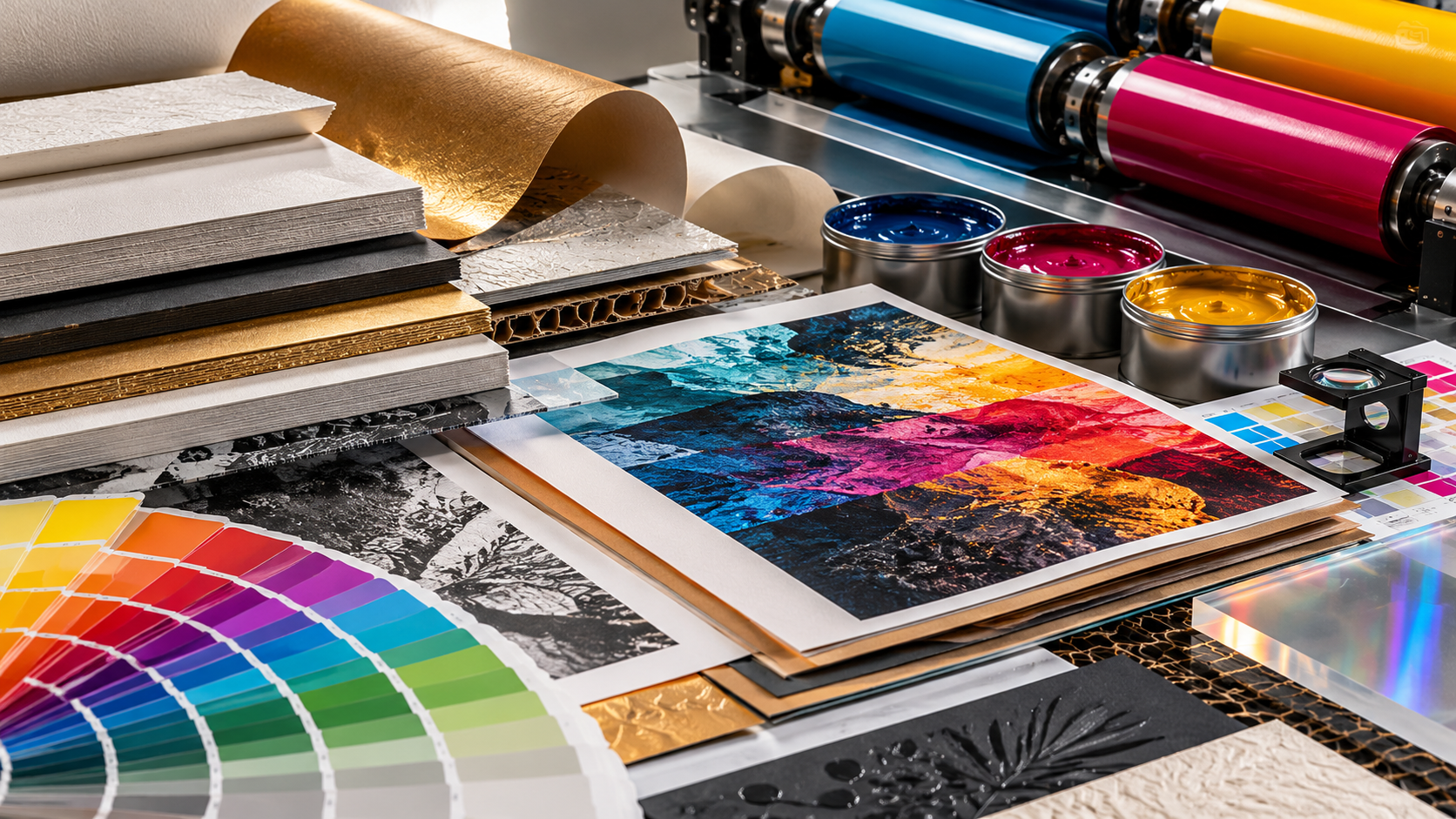
011. The Pre-Flight File Inspection
Before sending files to the plate-maker or RIP, verify resolution, bleed, and colour definitions. Raster images must sit comfortably at 300 DPI at 100% final reproduction scale — scaling a 72 DPI web graphic up on a packaging layout produces visible pixelation.
Ensure bleeds extend at least 3 mm past trim edges, critical text sits inside the safe zone (minimum 4–5 mm from cut lines), and all spot colours are either explicitly mapped to pantone recipes or cleanly converted to process separations without stray spot channels.
“Catching an error at the RIP takes two minutes. Catching it in the delivery pile takes two days.”
022. Total Ink Coverage (TAC / TIC)
One of the most frequent causes of ink smearing, slow drying, and set-off in the delivery pile is excessive Total Area Coverage. In 4-colour process work, stacking 100% Cyan + 100% Magenta + 100% Yellow + 100% Black equals 400% ink laydown, which paper cannot absorb.
Target maximum ink density between 280% and 320% depending on whether you are running coated or uncoated stock. Rich black formulas such as C60 M40 Y40 K100 provide deep, velvety solids without overwhelming the sheet.
“Rich black is a formula, not a bucket of ink. Control your total ink coverage.”
033. Trapping, Overprint, and Knockout Checks
Small white text knocking out of a 4-colour dark background requires razor-sharp registration. A microscopic shift on press can cause distracting colour fringes. Add a delicate 0.25 pt spread trap where high-contrast edges meet.
Equally vital: verify that black text is set to 'Overprint Black' rather than knocking out, which eliminates white ghost outlines around fine typography.
044. The Physical Loupe and Proofing Checklist
Never approve a digital soft proof on a phone or laptop as the final print commitment for critical work. Review a calibrated hard-copy contract proof using a 10x or 12x linen tester loupe.
Inspect rosette patterns, micro-registration marks, barcode contrast readability, fold creases, and spot-varnish alignment before giving the green light for high-volume plate exposure.
Key Takeaways for Printers & Designers
- ✓Verify 300 DPI effective resolution at final reproduction scale, never scaled-up 72 DPI assets.
- ✓Keep Total Area Coverage (TAC) under 300–320% to prevent drying set-off and smearing.
- ✓Confirm black typography is set to overprint, avoiding white fringing around fine type.
- ✓Examine registration crosses and screen angles through a 10x inspection loupe.
Need help choosing the right material for your print job?
Talk directly with our pressroom consumables and ink specialists in Nairobi.
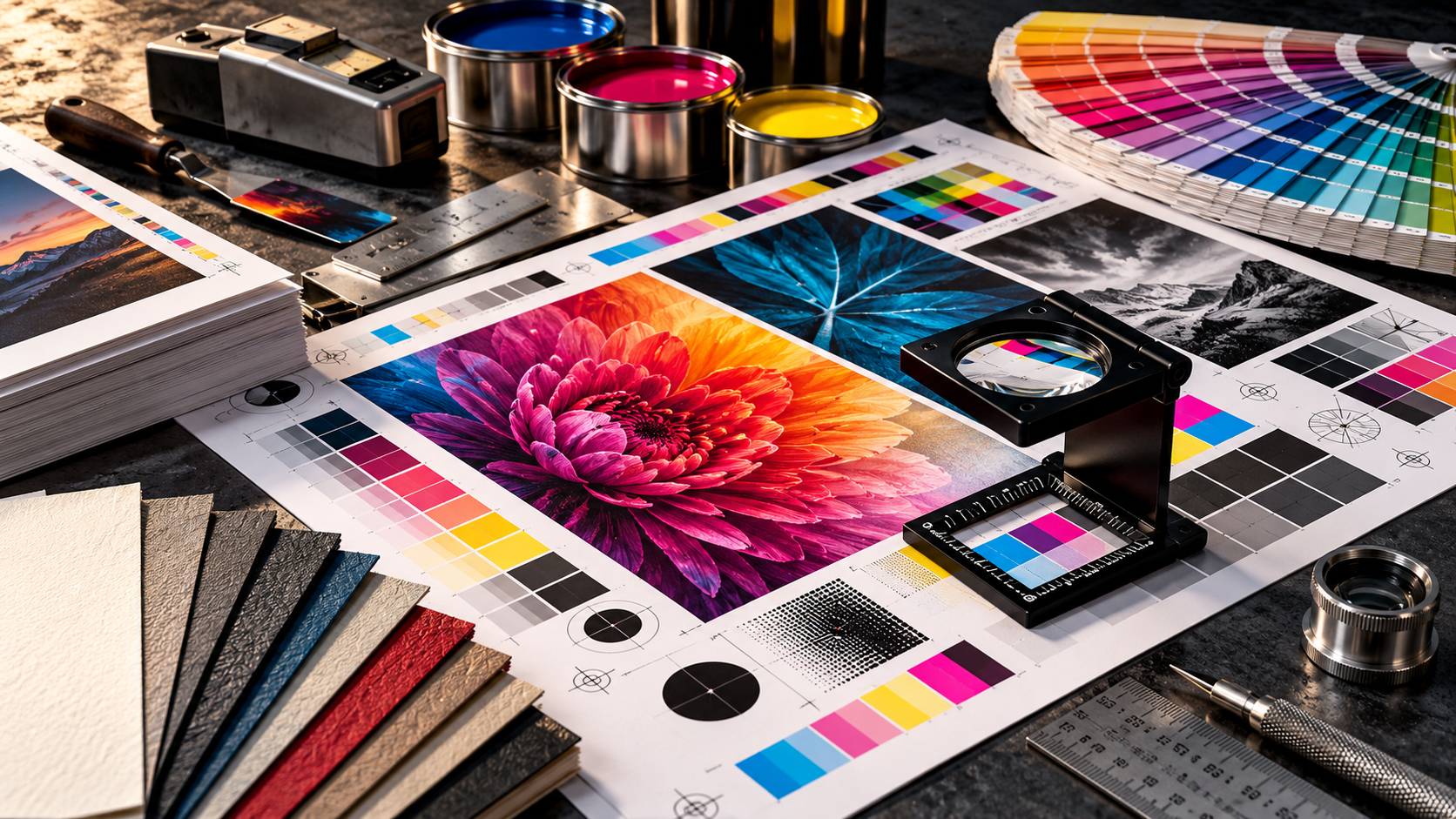
Why Colour Changes from Screen to Print
What looks perfect on a screen can shift once it reaches paper. Learn the practical reason colour changes between digital artwork and printed output, and what to check before production starts.

The Right Material Is Only Part of the Job
Great print results do not come from material choice alone. Ink behaviour, press setup, finishing and application all work together to determine the final outcome.

How to Approve Colour Before It Becomes a Costly Print Problem
A fast practical guide to checking proofs, ink behaviour and expectations before a job goes to press, so colour decisions are made early and correctly.
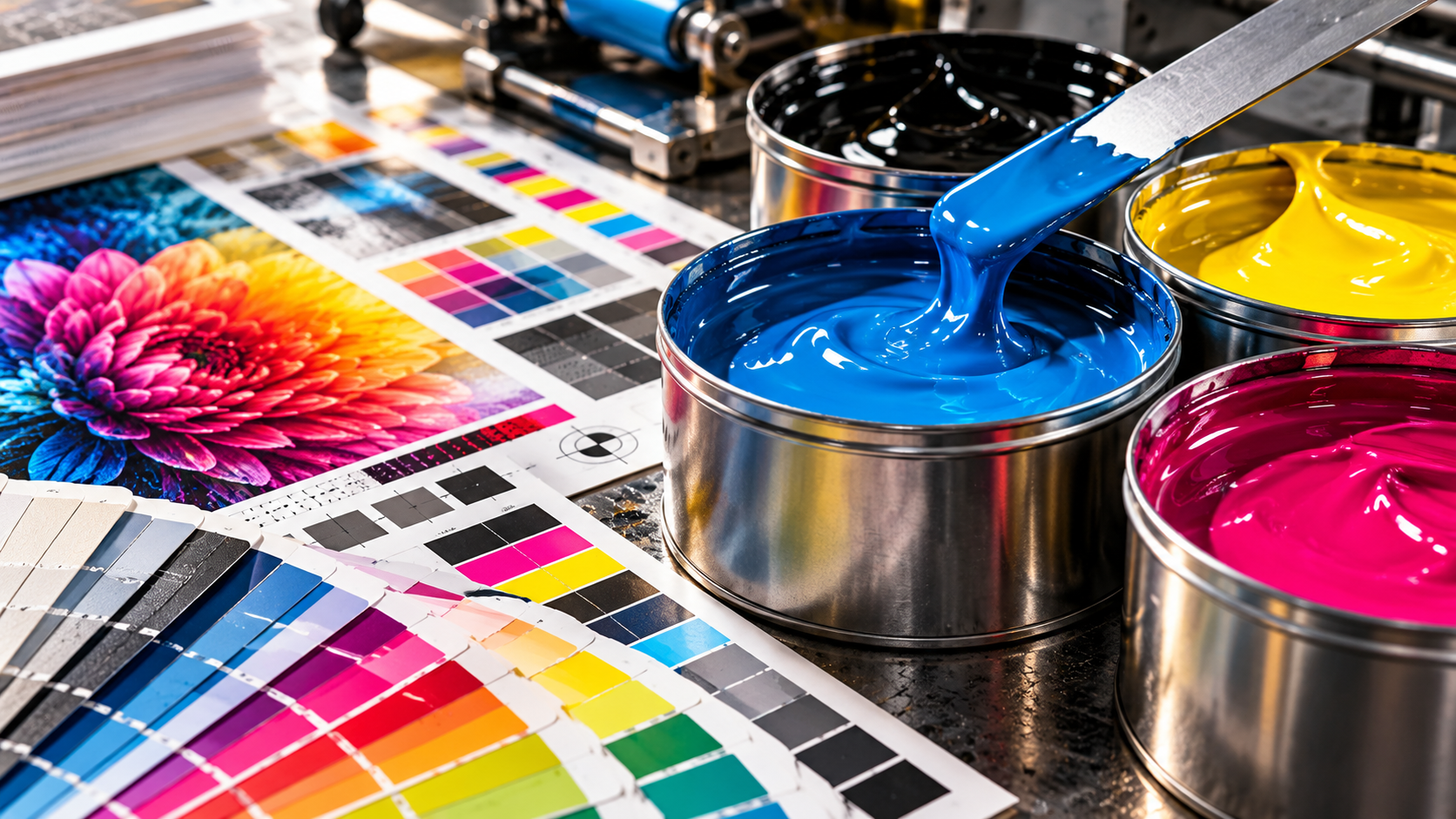
How the Right Substrate Changes the Entire Print Result
Paper, vinyl, board and specialty materials all react differently. Learn how substrate choice affects colour, texture, finish and final print quality.
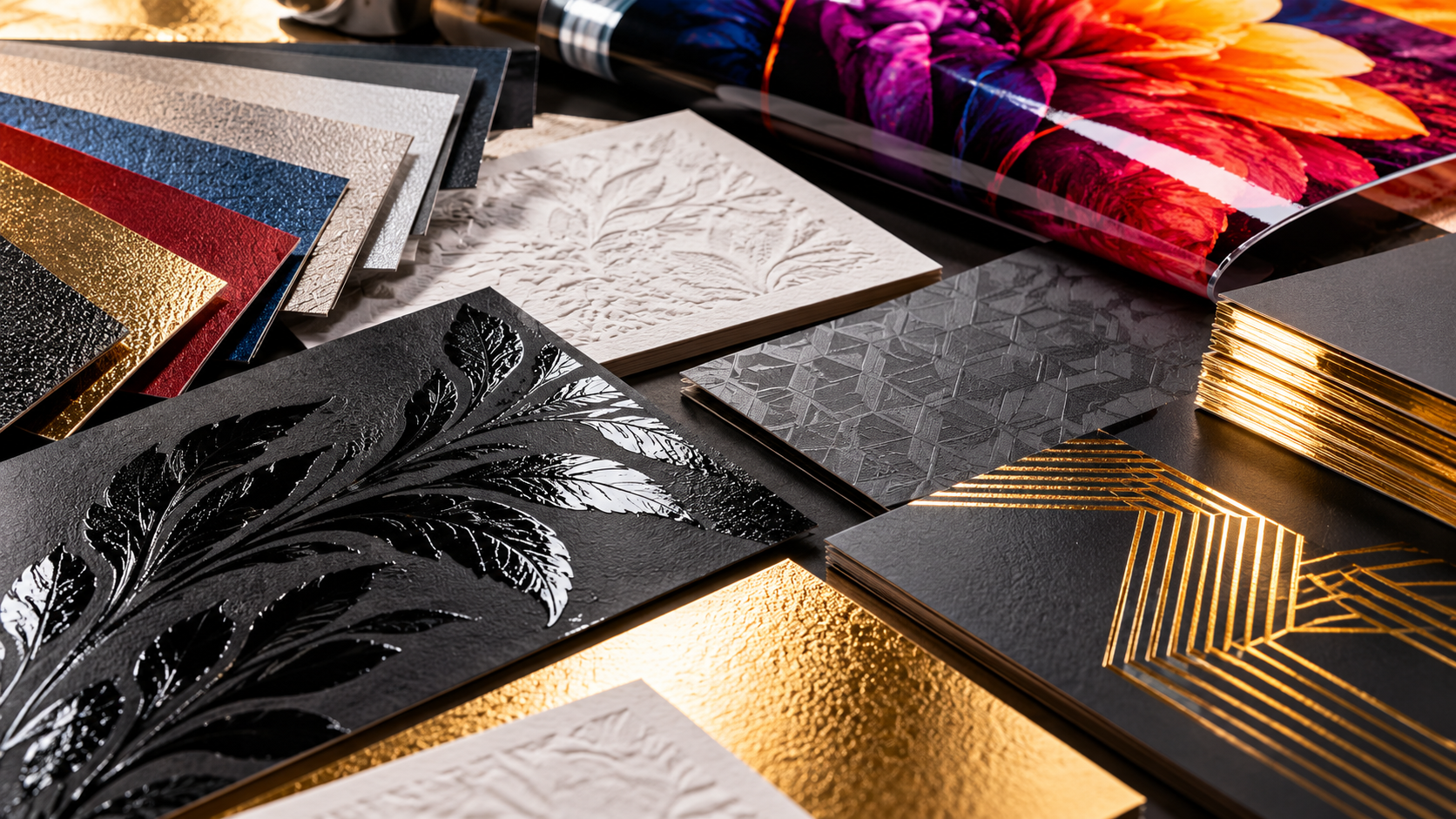
The Finishing Touches That Make Print Feel Premium
Lamination, coating, texture and finishing details can completely elevate a job. This article explains the small final choices that create a premium result.