
Why Colour Changes from Screen to Print
Every print operator and brand designer has experienced the moment when a proof arrives and looks subtly — or dramatically — different from the monitor. This shift is not a mistake; it is the natural consequence of moving from emitted light to physical ink on substrate.
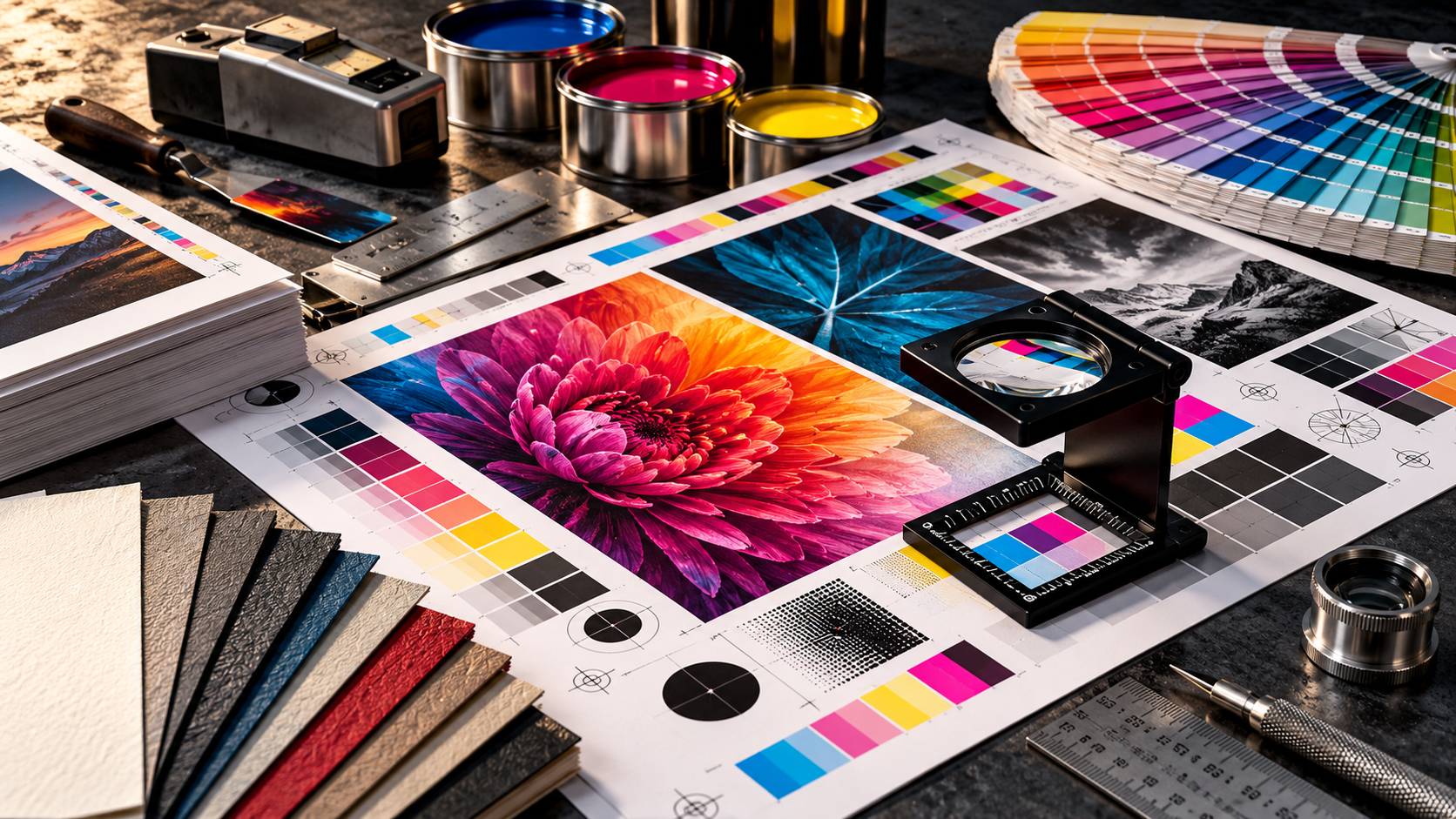
01Light vs. Ink: The Physics Behind the Shift
Computer displays, tablets, and smartphones generate colours using the RGB model (Red, Green, Blue). Pixels emit pure light directly into your eye. When all three channels fire at maximum brightness, they produce pure white. This additive colour model creates luminous, hyper-vivid hues — especially electric cyans, neon limes, and brilliant magentas.
Printing presses, by contrast, rely on subtractive colour mixing: Cyan, Magenta, Yellow, and Key (Black). Print does not emit light; it absorbs (subtracts) certain wavelengths of ambient light and reflects the rest back to the viewer. When all three primary inks overlap on paper, they create a deep charcoal or muddy dark tone, which is deepened by the black plate.
Because the physical gamut of CMYK ink is inherently narrower than RGB light, out-of-gamut colours are automatically remapped during RIP rasterization, compressing vibrant screen tones into flatter printed equivalents.
“Screens emit light; printed sheets reflect it. They were never operating in the same colour universe.”
02The Substrate Is an Active Ink Component
Paper and film are not neutral backdrops — they are an active chemical and optical partner in the print result. A coated gloss stock holds ink on the surface, preserving pigment density and crisp halftone dots. An uncoated bond or kraft board absorbs vehicle liquid rapidly, causing dots to gain and colours to soften into warmer, muted tones.
Even paper brightness and optical brightening agents (OBAs) shift colour perception. The exact same batch of mixed ink will read noticeably warmer on cream book paper and significantly cooler on high-brightness bleached board.
“The paper is not a neutral stage — it is the fifth colour in your print run.”
03What to Check Before Production Begins
1. Work in CMYK or tagged colour spaces from the start of print-ready layout creation, rather than relying on automated last-second conversion.
2. Check for out-of-gamut warnings in your prepress workflow on saturated brand colours and dark shadows.
3. Request an ink drawdown or calibrated hard-copy press proof on the exact stock specified for the final production run.
4. Evaluate physical proofs under standardized D50 / 5000K daylight simulation lighting rather than warm yellow office fixtures or direct sunlight.
Key Takeaways for Printers & Designers
- ✓RGB screens have a broader colour gamut than standard CMYK ink systems.
- ✓Substrate porosity and coating directly govern dot gain and perceived saturation.
- ✓Always review physical proofs under standard daylight simulation, not ambient room bulbs.
- ✓Prepress ink drawdowns save hours of press-side adjustments and wasted paper.
Need help choosing the right material for your print job?
Talk directly with our pressroom consumables and ink specialists in Nairobi.
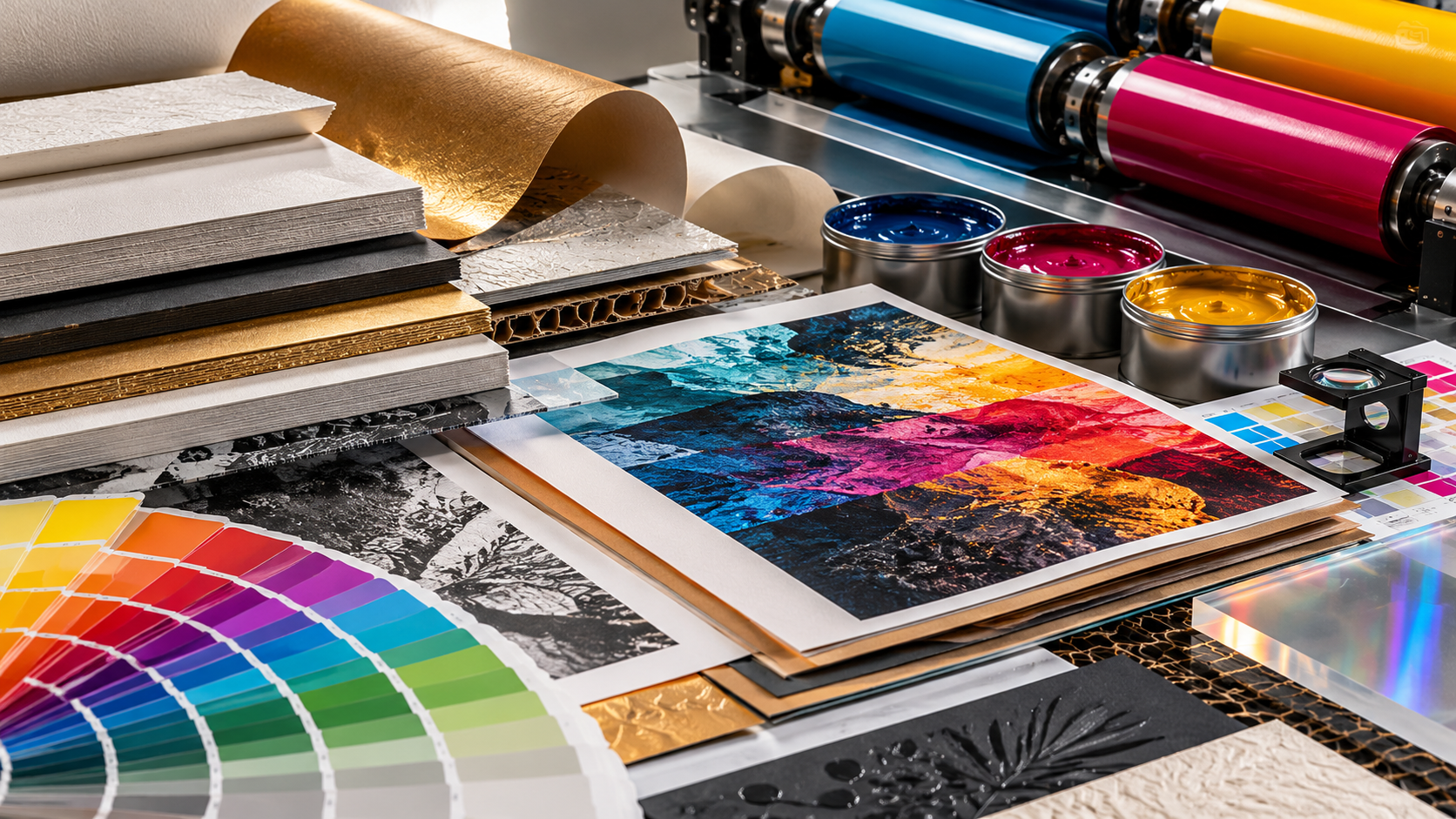
How to Catch Print Problems Before Production
Many costly print issues can be prevented before the job goes to press. This article explains the simple checks that help catch colour, file and proofing problems early.
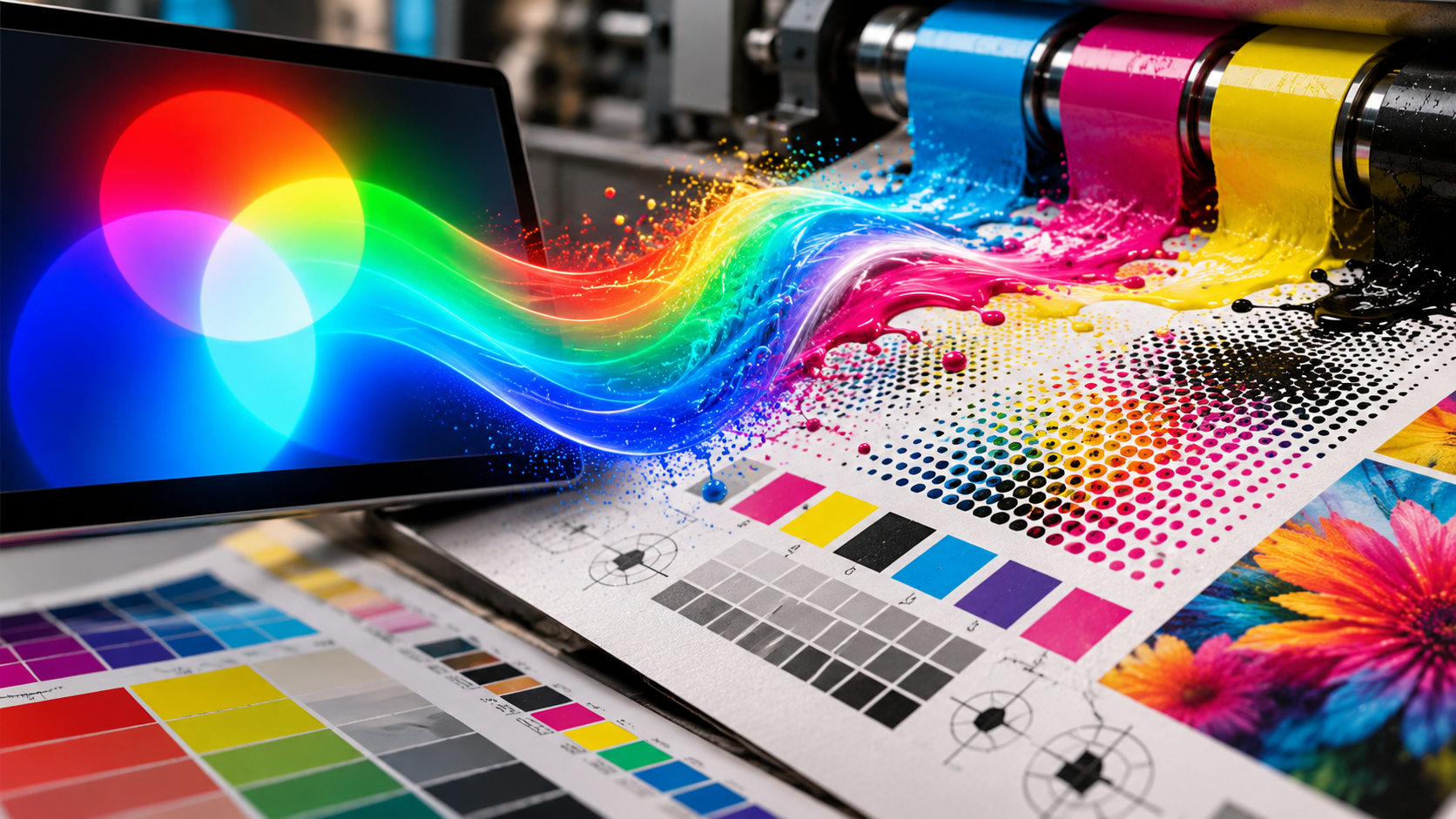
The Right Material Is Only Part of the Job
Great print results do not come from material choice alone. Ink behaviour, press setup, finishing and application all work together to determine the final outcome.

How to Approve Colour Before It Becomes a Costly Print Problem
A fast practical guide to checking proofs, ink behaviour and expectations before a job goes to press, so colour decisions are made early and correctly.
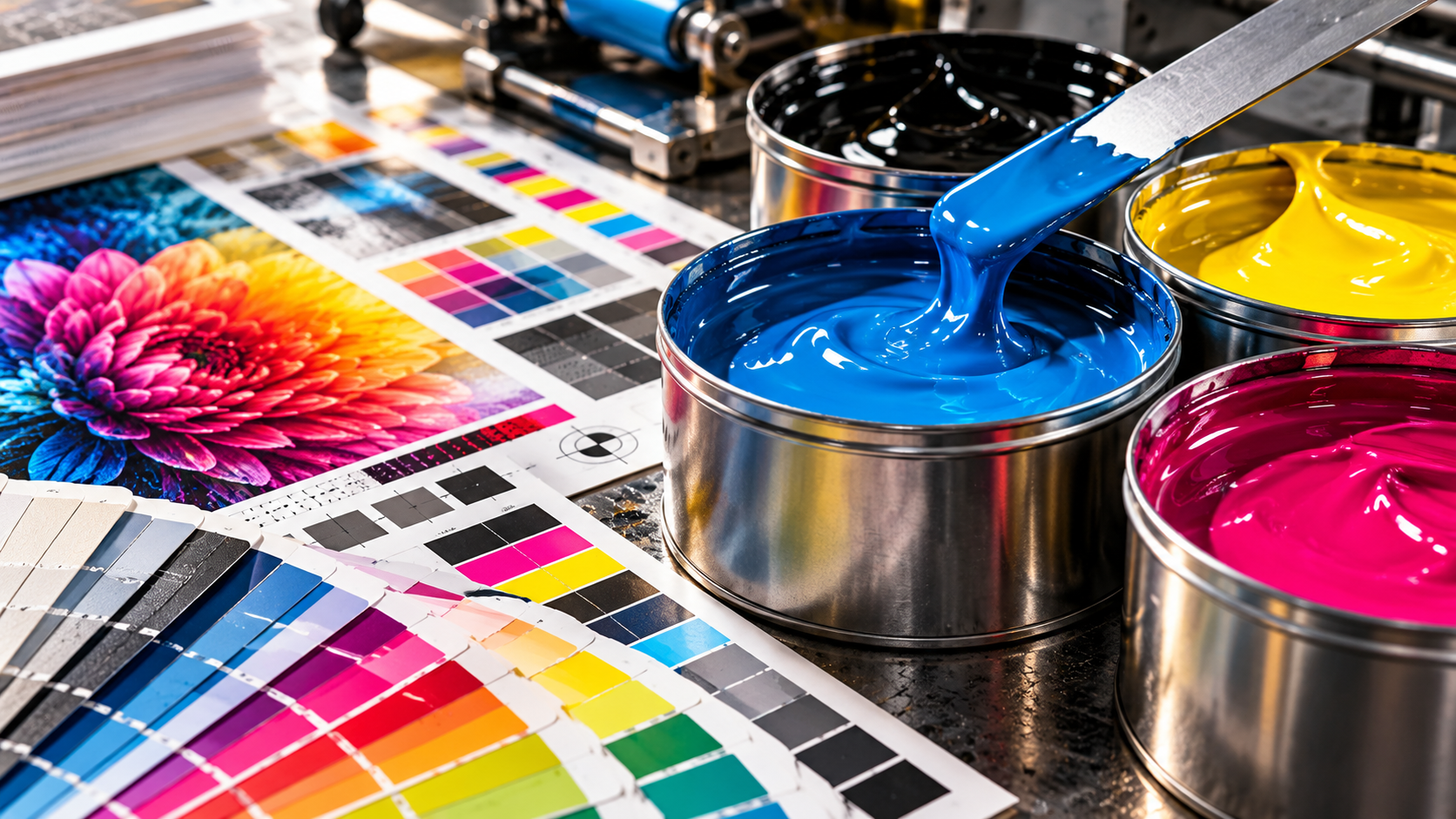
How the Right Substrate Changes the Entire Print Result
Paper, vinyl, board and specialty materials all react differently. Learn how substrate choice affects colour, texture, finish and final print quality.
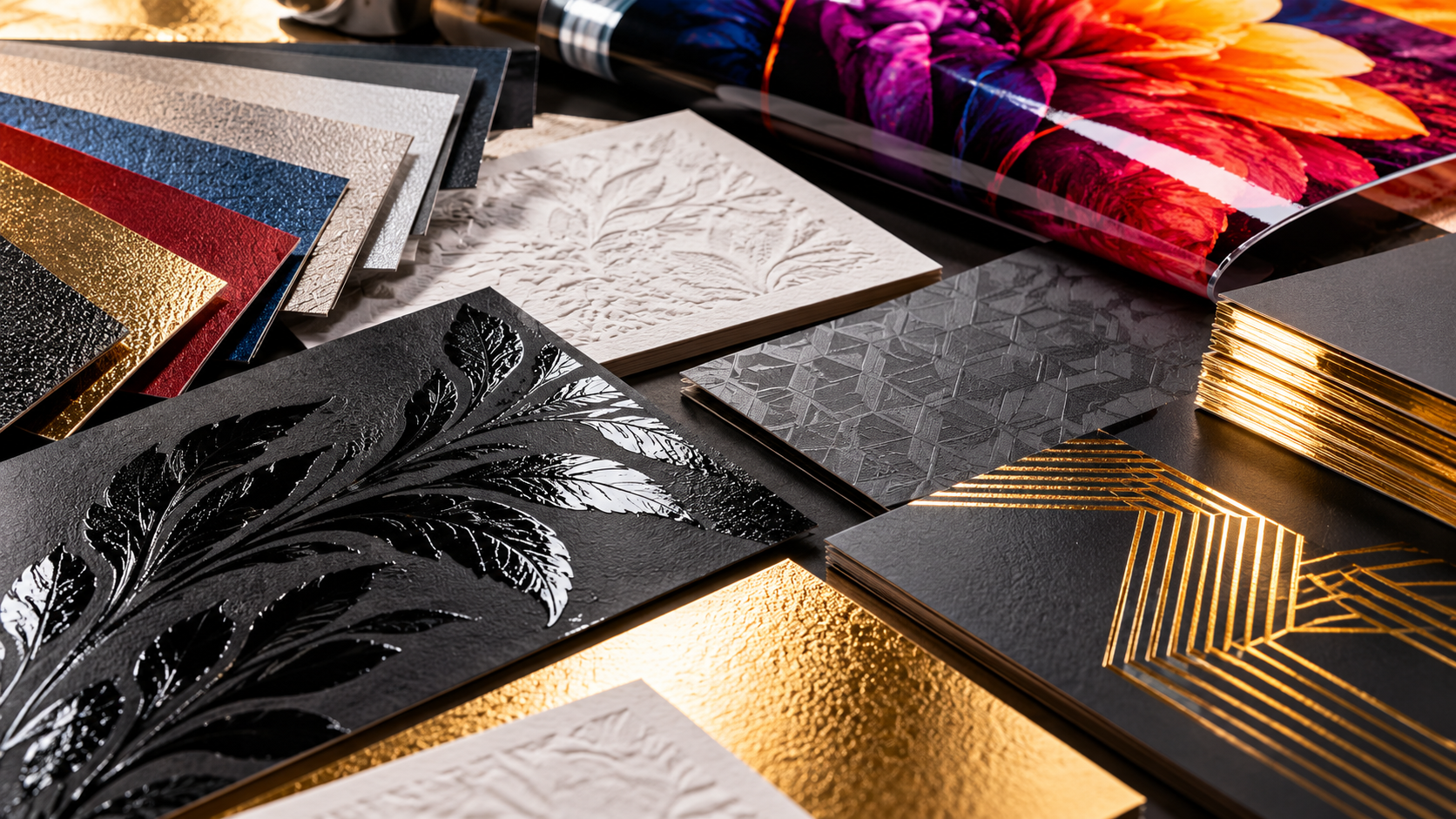
The Finishing Touches That Make Print Feel Premium
Lamination, coating, texture and finishing details can completely elevate a job. This article explains the small final choices that create a premium result.